▍ Training Manual · Mission Architect
Your first flight, step by step
New to ASTRA? Follow this guide to design your first spacecraft and earn a strong debrief score.
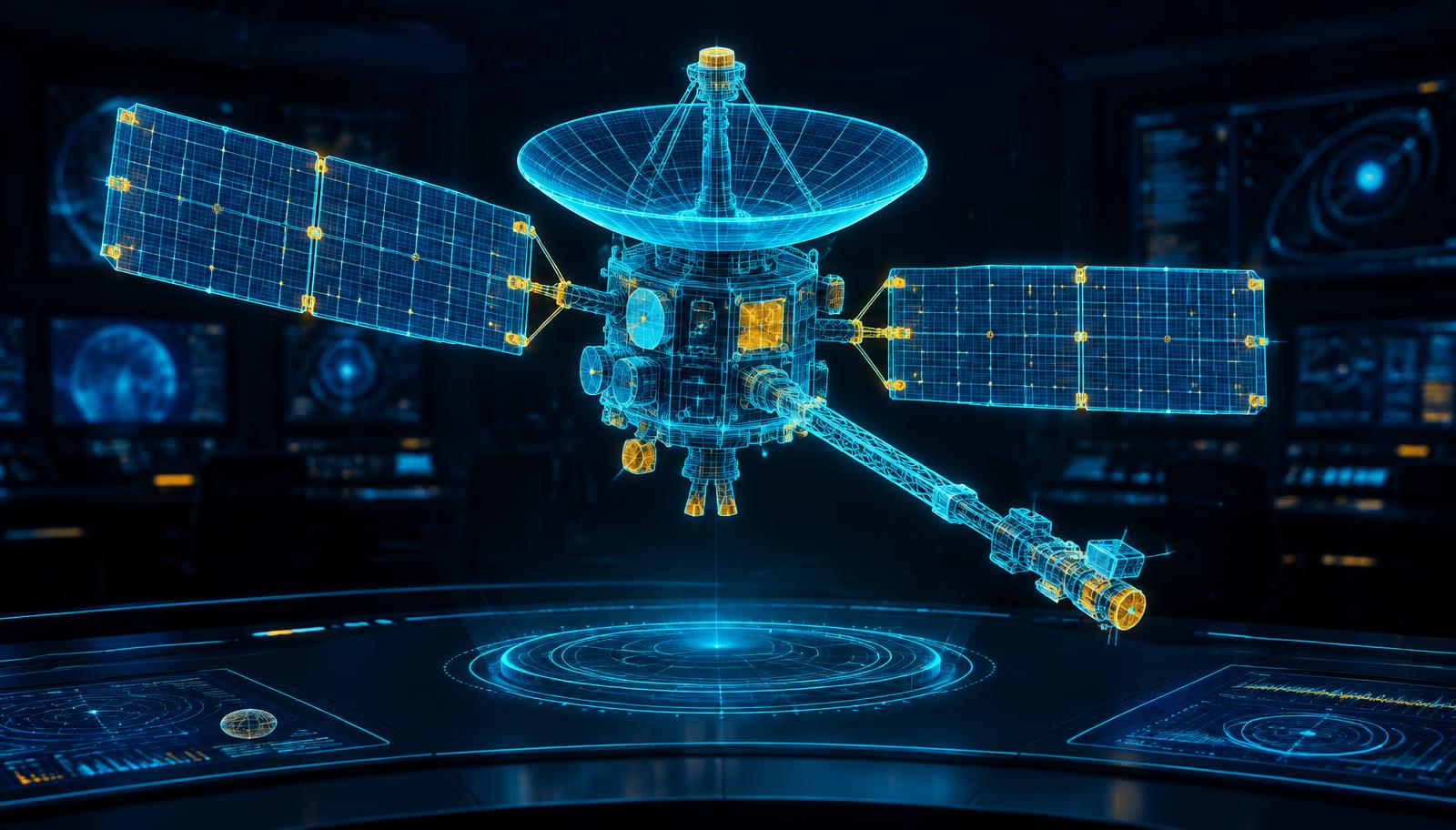
Six steps to orbit
STEP 01
Open ASTRA
Launch the game in a new tab. It runs in any modern browser with WebGL, best on desktop or tablet. Nothing to install, no account needed.
STEP 02
Pick a destination
Start with Shuttle Launch to Low Earth Orbit. It is the most forgiving mission and teaches the basics before deep space.
STEP 03
Build the ship
Choose the six building blocks: Bus, Power, Comms, Launcher, Orbit and Instruments. Watch mass and power — every part costs both.
STEP 04
Run the flight test
Press Run Flight Test. Use the throttle slider to speed up or slow the simulation, and switch between Follow Ship and Cockpit cameras.
STEP 05
Read the debrief
There is no win or lose screen. You get an honest 0–100 Engineering Debrief Score explaining what worked and what did not.
STEP 06
Redesign and fly again
Change one subsystem at a time and fly again. This Design → Simulate → Debrief → Redesign loop is how real mission teams work.
Mission tips
Low Earth Orbit
Half of every ~90-minute orbit is in Earth's shadow. Balance solar power with enough battery to get through the dark.
Lunar South Pole
Sunlight arrives at a very low angle near the pole. Expect power to drop near crater rims and plan instruments that work in the cold dark.
Mars
Radio signals take minutes to reach Earth. A better comms system helps your science data get home.
Europa
Sunlight is only about 4% of what Earth gets, and Jupiter's radiation is intense. Power and protection matter more than extra instruments.
Want the numbers behind these tips? Open the NASA Space Data page.
Questions
Is ASTRA free?
Yes. ASTRA is 100% free to play in your browser, with no downloads and no sign-up.
Does my design save?
Mission designs auto-save in your own browser, so you can come back and keep improving them on the same device.
Which devices work best?
A desktop or tablet with WebGL gives the smoothest 3D view. Phones can work but the screen is small for designing.
Can I lose a mission?
No. Instead of win or lose, ASTRA scores your spacecraft from 0 to 100 so you can see how close your design is to a real mission.
Is the data real?
The destinations and challenges are based on real places NASA studies. See the Space Data page for the actual numbers.
Who made ASTRA?
ASTRA: The Raza was created and registered by Tarun Kumar for the NASA Space Apps Challenge.